
Download Astrill VPN – Secure Internet Browsing, Global Server Access, Military-Grade Encryption
Overview
Astrill VPN is a desktop security tool designed to enhance online privacy and enable anonymous web browsing. Developed by Astrill Systems Corp., the software aims to protect user data when connecting to public Wi-Fi networks or private networks. Its primary function is to encrypt internet traffic and mask the user’s IP address, helping prevent unauthorized access to sensitive information such as login credentials and personal data.
The application targets privacy-conscious individuals, remote workers, and users who frequently access the internet in public environments. It is particularly useful for those who need to bypass geo-restrictions or maintain confidentiality during online transactions. While the software is currently available for Android, the developer has not specified whether a desktop version is planned.
Real-world usage scenarios include securing connections at coffee shops, airports, or hotels, where network vulnerabilities are common. Users may also benefit from accessing international content or services restricted in their region. The software supports a global network of servers across countries such as the United States, Switzerland, Norway, Denmark, and Poland, offering users a range of connection options.
Key Features & Capabilities
- Military-Grade Encryption: Utilizes advanced encryption protocols to secure data transmissions and protect user privacy from potential threats.
- Global Server Network: Offers access to servers in multiple countries, enabling users to connect from various geographic locations and bypass regional content restrictions.
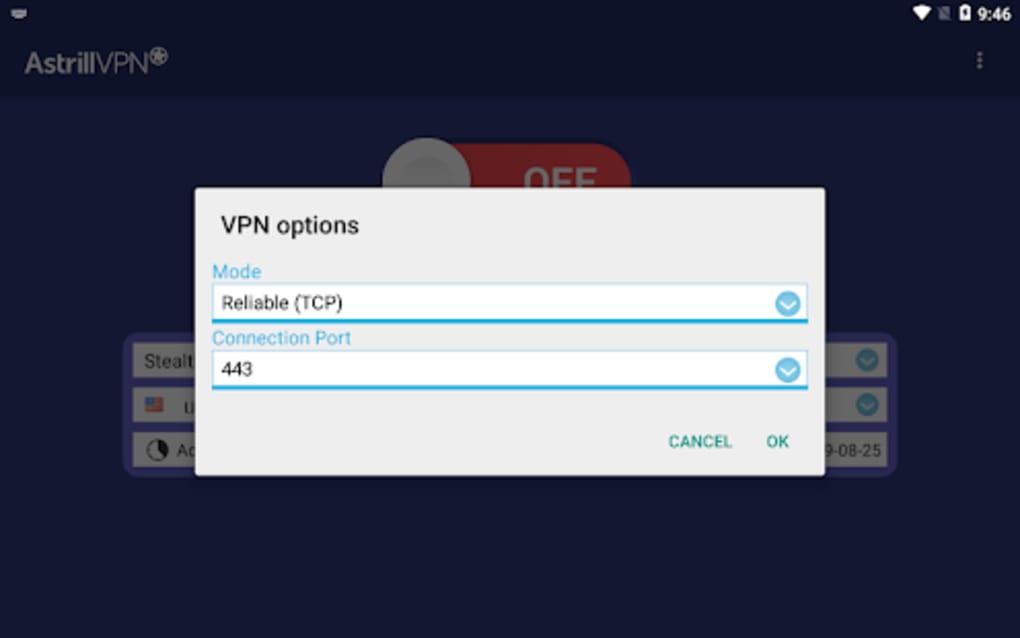
- Protocol Flexibility: Supports both UDP and TCP connections, allowing users to select the most suitable protocol based on their network conditions and performance needs.
- Customizable Connection Ports: Users can choose from various ports to optimize connection stability and compatibility with different network environments.
- App-Level Traffic Control: Allows selective routing of specific applications through the VPN, enabling users to protect only the apps they deem critical.
- Secure Browsing on Public Networks: Designed to safeguard internet activity when using untrusted or open Wi-Fi networks.
These features are especially valuable for users who prioritize privacy and require consistent access to global content. For example, a remote worker can use the app to securely access company resources while traveling, or a digital nomad can access region-specific streaming services without revealing their true location.
User Interface, Workflow & Performance
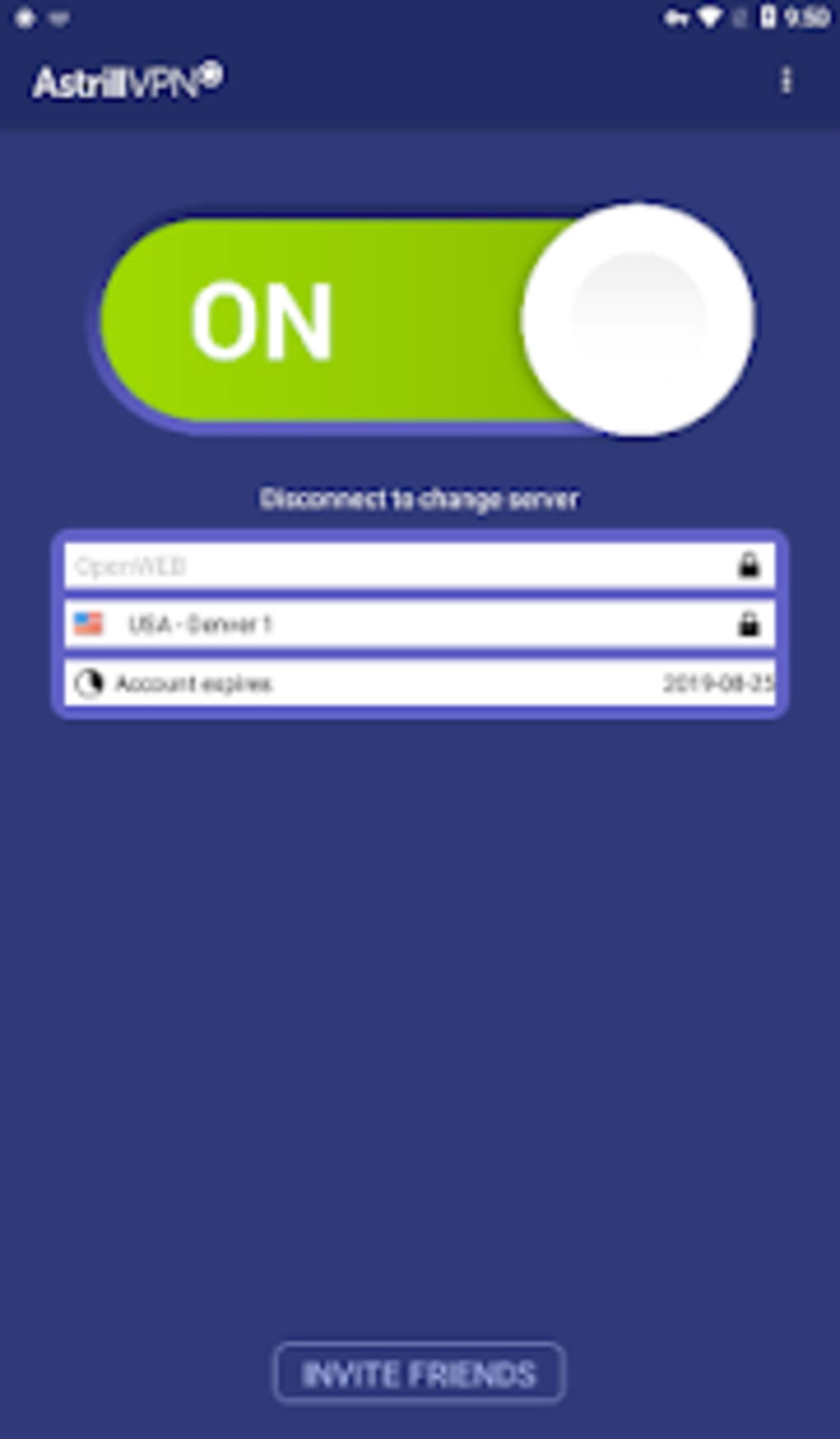
The user interface of Astrill VPN appears to be designed with functionality in mind, offering straightforward access to server selection, connection status, and network settings. Navigation is likely intuitive, allowing users to switch between servers and manage app-specific routing with minimal effort.
Workflow efficiency depends on the stability of the connection. While the software supports multiple protocols and customizable ports, users have reported challenges with consistent connectivity. Some experience long connection times and frequent disconnections, which may disrupt ongoing tasks such as file downloads, video calls, or streaming.
Performance observations are based on general software behavior patterns. The developer did not specify resource usage details, so CPU and RAM behavior remain unknown. No information was provided about background operation, battery consumption, or latency. Users should expect variable performance depending on network conditions and server load.
Compatibility & System Requirements
Astrill VPN is currently available for Android devices. The software version is 1.0.0, with a file size of 25.5 MB. The developer did not specify exact system requirements, including minimum Android version, RAM, or processor specifications.
Compatibility information was partially provided. While the app is designed for mobile platforms, no details were shared about desktop or tablet support. Users should verify whether the software is compatible with their specific Android device model and OS version before installation.
Installation is straightforward, requiring minimal disk space. However, the absence of detailed system requirements may pose challenges for users with older or less common devices.
Pros and Cons
Pros
- Military-grade encryption for strong data protection
- Extensive global server network across multiple countries
- Support for both UDP and TCP protocols for flexible connectivity
- Customizable connection ports for better network compatibility
- App-level traffic filtering for selective protection
- Free to download and use
Cons
- Frequent disconnections reported by users
- Long connection initiation times
- Limited system requirements information
- No desktop version available
- Performance stability issues affect usability
FAQ Section
Is Astrill VPN compatible with my Android device?
The software is designed for Android, but the developer did not provide a list of supported devices or minimum OS versions. Users should check their device’s compatibility before downloading.
Is Astrill VPN safe to use?
Astrill VPN employs military-grade encryption and secure protocols to protect user data. However, no independent security audits or third-party verification were mentioned. Users should exercise caution when using free services and avoid entering sensitive information.
Does Astrill VPN offer updates?
Updates are likely available through the official app store, but no specific update frequency or changelog details were provided by the developer.
What type of license does Astrill VPN use?
The software is offered as free to download and use. No subscription model or premium tier was indicated, though advanced features may be restricted.
Can I use Astrill VPN offline?
Yes, once connected, the VPN can maintain a secure session without requiring constant internet access. However, the initial connection and server switching require an active internet connection.
Final Thoughts
Astrill VPN presents a compelling combination of security features and global server access, making it a strong contender for users seeking privacy-focused tools. Its use of military-grade encryption, customizable ports, and protocol support demonstrates a commitment to robust protection and flexibility.
However, persistent connection issues, including long wait times and frequent disconnections, significantly undermine its usability. These stability problems limit its effectiveness for tasks requiring uninterrupted connectivity.
For users who prioritize security and global access and can tolerate occasional disruptions, Astrill VPN may still offer value. Yet, for those requiring reliable performance, alternative solutions may be more suitable.
Download Astrill VPN now





.png)

